To be an enduring company by creating superior products for automotive, aviation, marine, outdoor, and sports that are an essential part of our customers' lives.
-GARMIN-
New version
Instrument consolidation with basic attitude background and autopilot integration
Factory
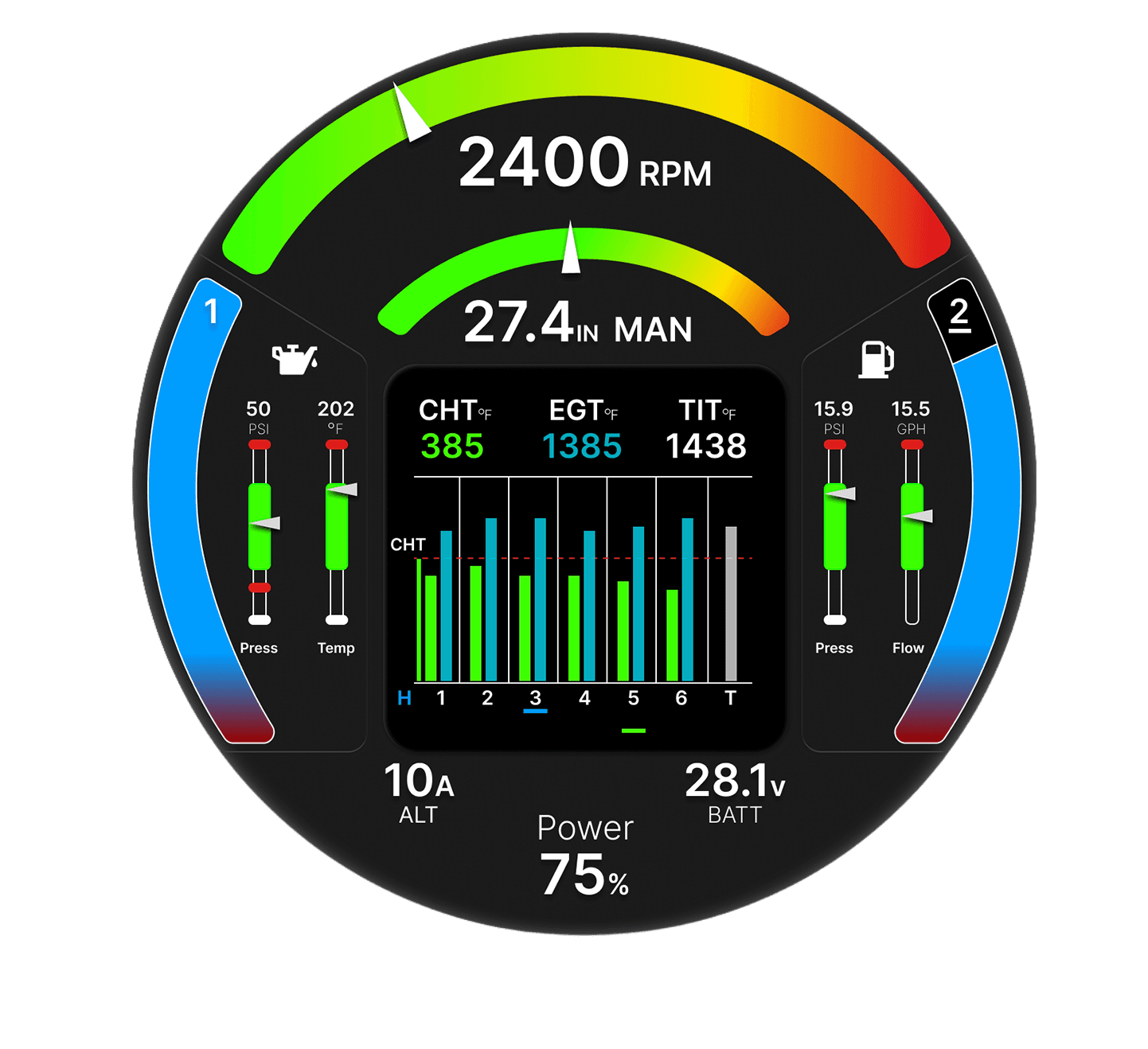
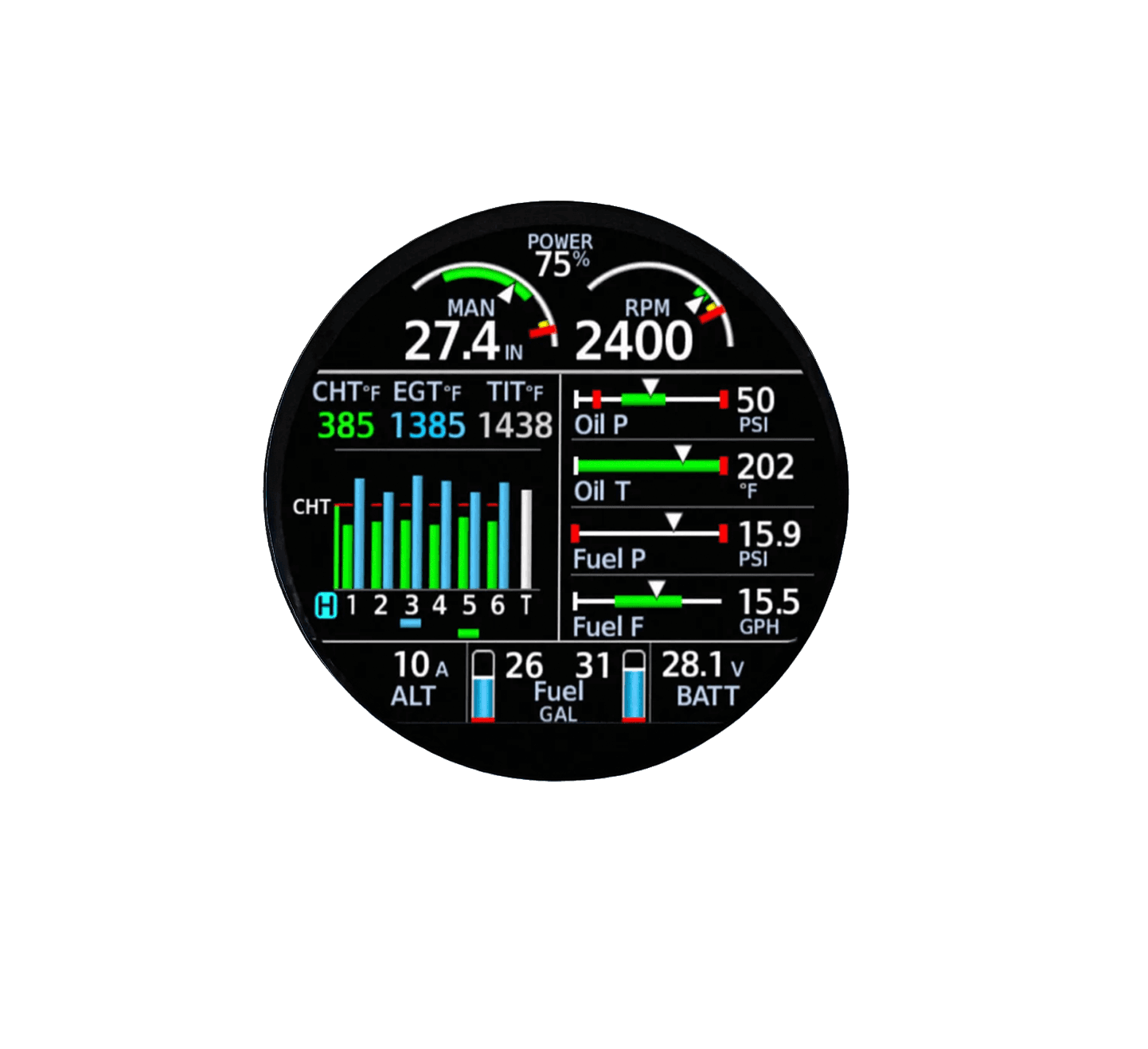
Engine Indication System (EDI)
Updated
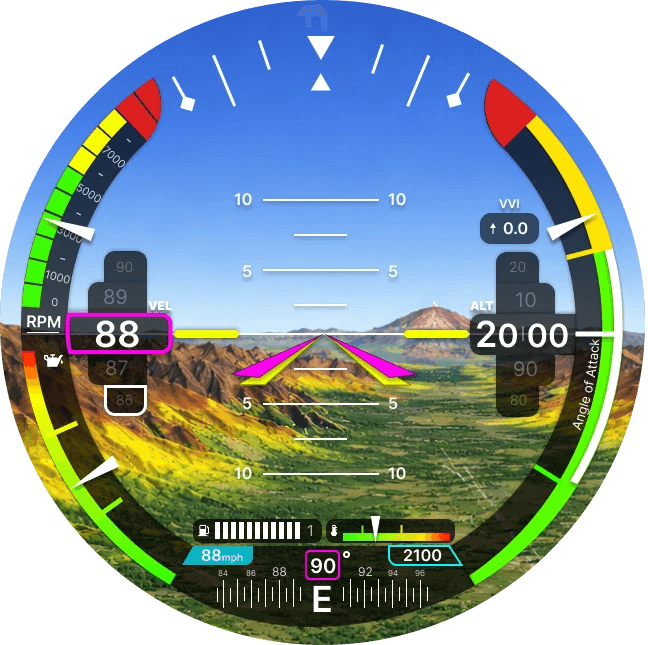
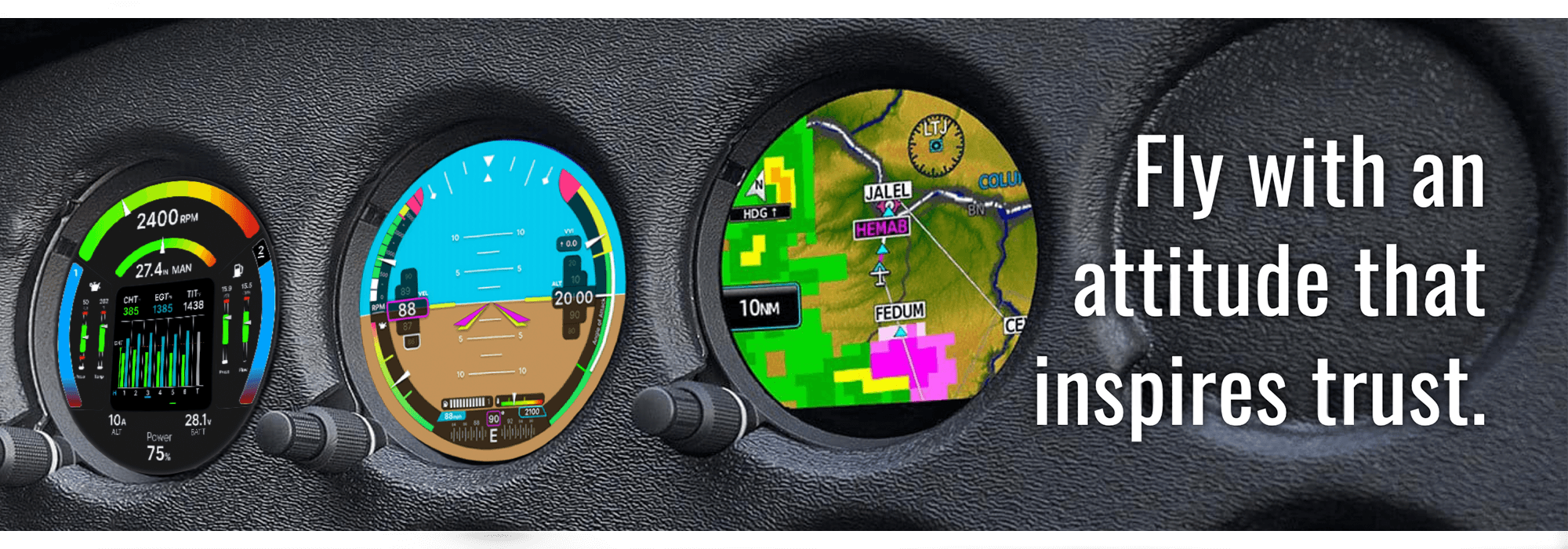
I chose the GI 275 because I thought the small screen would be a fun challenge. I wanted to recreate the data from the original product while adding some extra info without making it too busy. The colors and style are inspired by modern mobile UI to make the interface feel more familiar. The biggest hurdle when using a small screen in a general aviation airplane is seeing and using things well during turbulence. That’s why I focused on making the interface easy to understand and use.
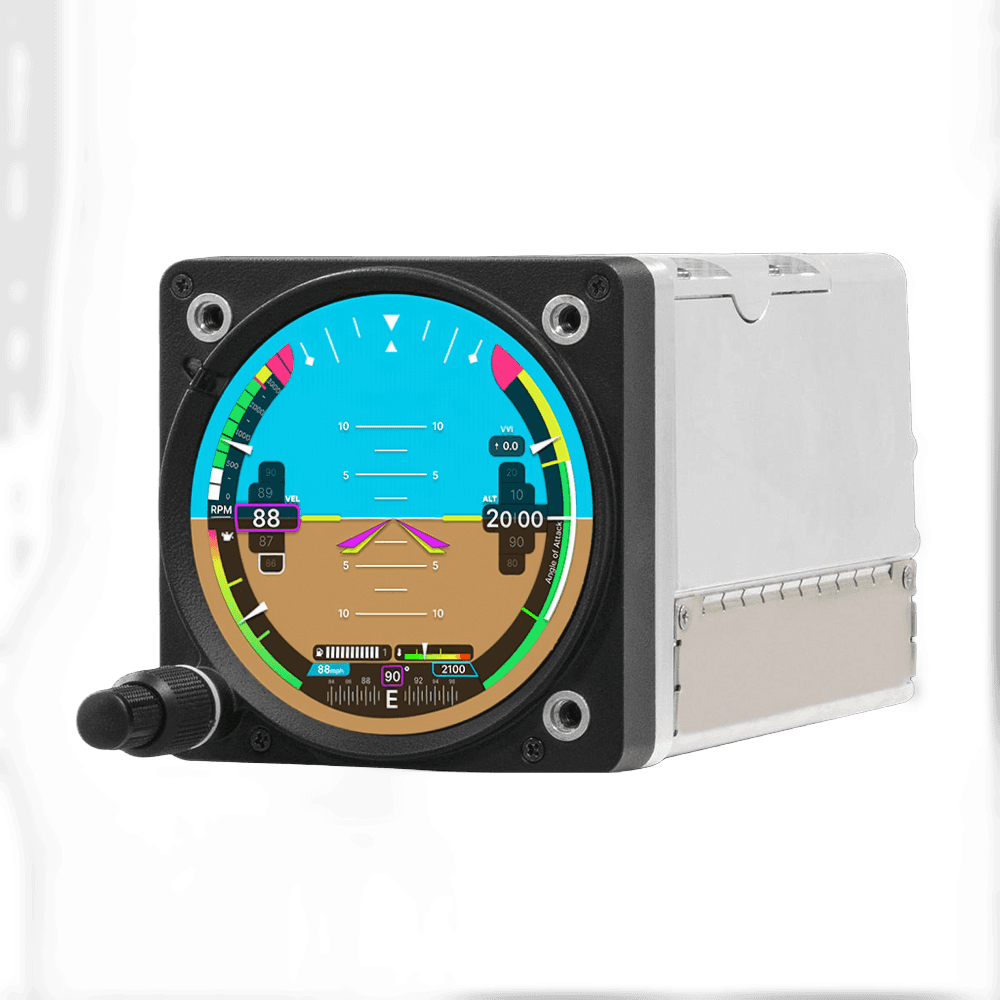
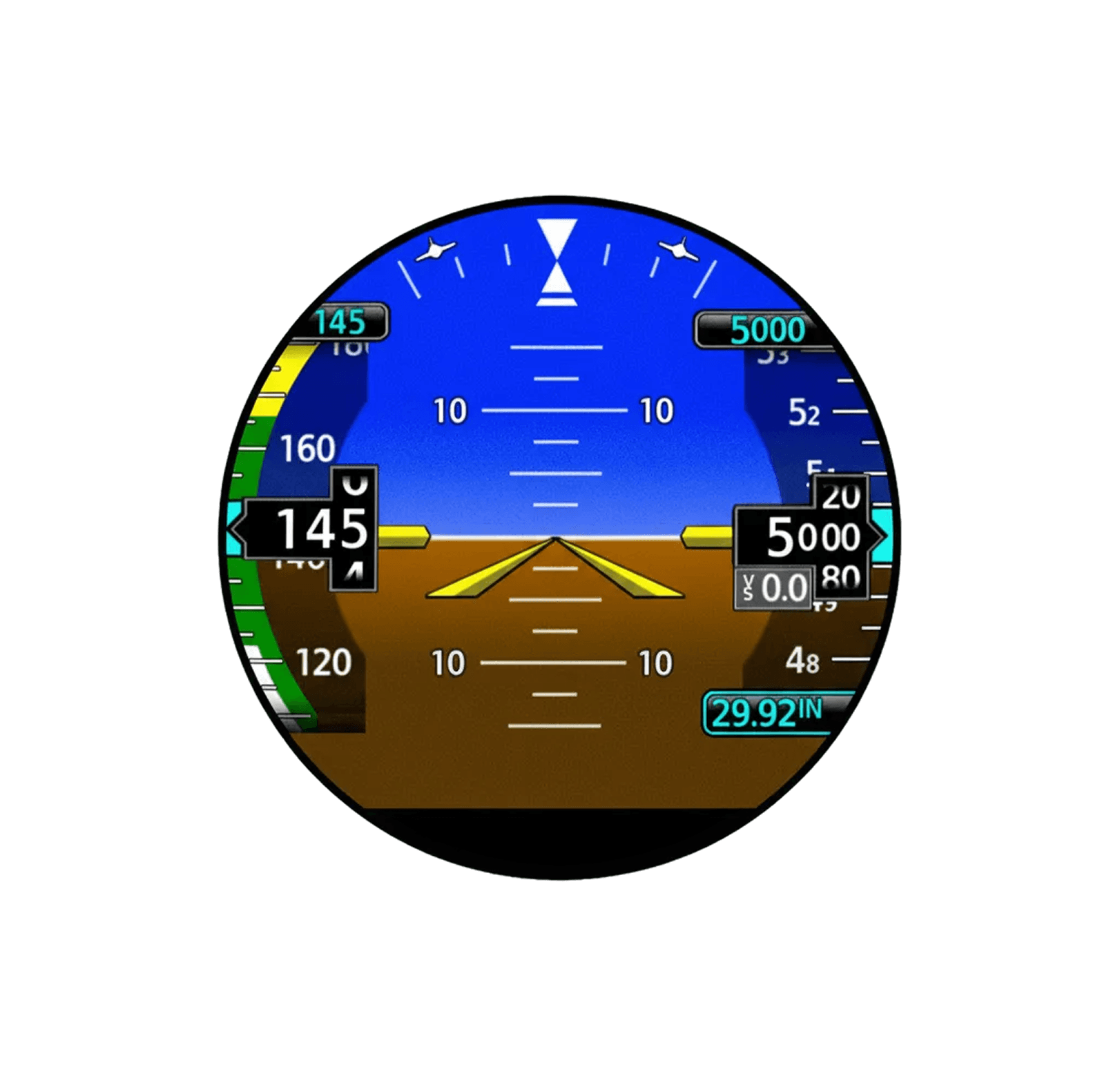
Standardized/Linear: Mimics larger rectangular displays (like the G1000) by placing vertical "tapes" inside a round bezel. It prioritizes consistency with other Garmin glass cockpits over the specific shape of the instrument.
Vertical Tapes: Airspeed and Altitude move vertically. This is the industry standard for "Glass Cockpits" and aligns with the mental model of "up is higher altitude."
Dedicated PFD: Focused strictly on Primary Flight Display data (Attitude, Speed, Alt, Heading). Engine data would typically require a separate page or instrument.
Utilitarian Contrast: Uses standard aviation white-on-black. The current value windows are subtle boxes. The focus is purely on data legibility with zero distraction.
Baro/Standard HSI: Often displays a numerical heading or requires a separate HSI page for full situational awareness.
OEM
FEATURES
UI PHILOSOPHY
FLIGHT DATA VIZ
VISUAL HIERARCHY
COMPASS/HEADING
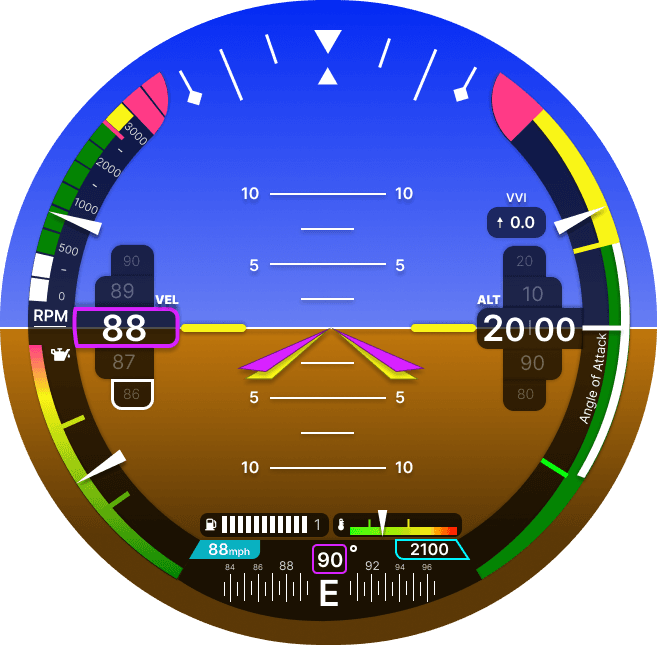
Native/Radial: Embraces the circular form factor. The interface elements (Airspeed, Altitude, RPM) curve to match the bezel. This is a "form-follows-function" approach specific to round-dial retrofits.
Curved Tapes (Arcs): Airspeed and Altitude move along an arc. This acts as a bridge between "Steam Gauge" needles and digital precision, potentially allowing for faster peripheral recognition of trends.
Integrated PFD + EIS: efficient use of the outer ring allows you to display RPM (left outer arc) and potentially other engine metrics alongside flight data, reducing the need to cross-check multiple instruments.
Modern/Hierarchical Contrast: Uses vibrant accent colors (Purple/Neon Green) to anchor the eye. The "Current Value" boxes (Speed/Alt) are visually "popped out," making them the immediate focal point for the foveal view.
Integrated Strip: Features a clear, linear heading strip at the bottom with a prominent cardinal direction ("E"), providing immediate heading orientation without changing modes.
NEW
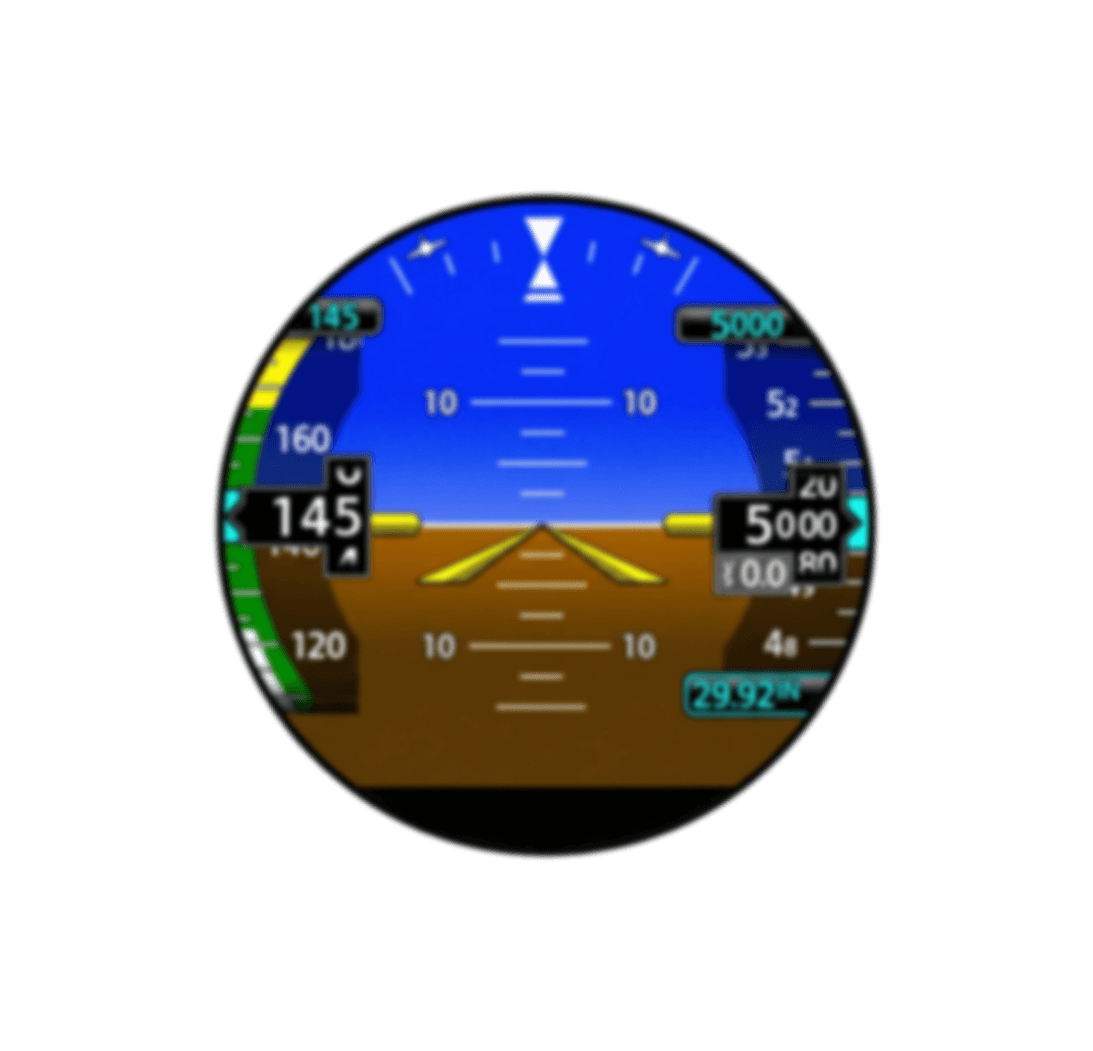
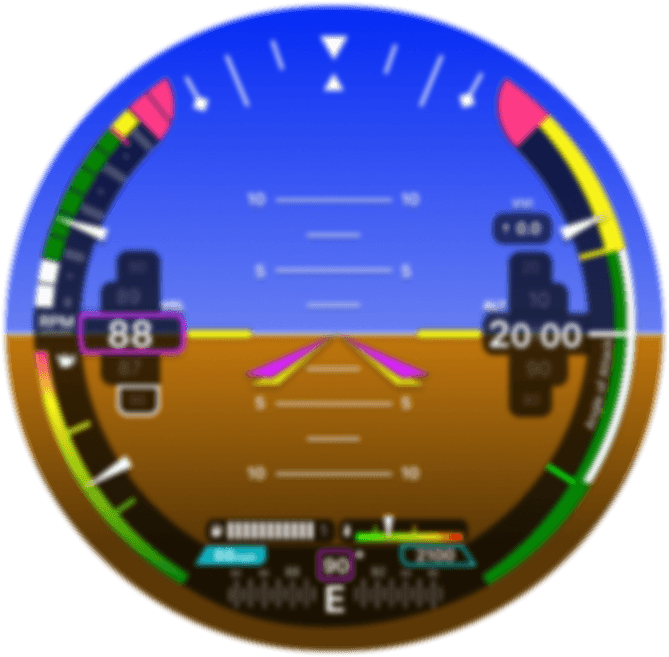
The Blur Test
To evaluate visual hierarchy, a "Blur Test" was applied to both the modified Garmin GI 275 and the OEM version, simulating rapid scanning in high-stress environments. The results demonstrate that the redesign offers superior readability; its larger typography and distinct, high-contrast borders allow critical data like airspeed to remain legible even when obscured. This confirms that the modified interface reduces cognitive load, enabling pilots to identify key flight parameters faster than the standard layout.